Bulk create Instagram carousels from a spreadsheet
A few rows become one carousel. Write a month of carousels in a spreadsheet, generate every slide on-brand, and schedule them.
 1/4
1/4 2/4
2/4 3/4
3/4 4/4
4/4
Try it: rows in, carousels out
These are real PlanBatch templates. Edit the rows and watch the slides follow.
Post 1: 4 slides, from 4 rows
Post 2: 4 slides, from 4 rows
Then, in PlanBatch, each carousel goes on the calendar and publishes at its slot.
- Mon09:00minutes to make a small room feel bigger
- Tue
- Wed09:00minutes to a shop window people stop for
- Thu
- Fri
- Sat
- Sun
To Instagram, Facebook and your LinkedIn profile, slides in the order your rows had them.
Rendered in your browser by the same engine as the app's template editor.
One carousel layout, three brands
The same cover for three clients, each taking its colours and fonts from its own brand kit.

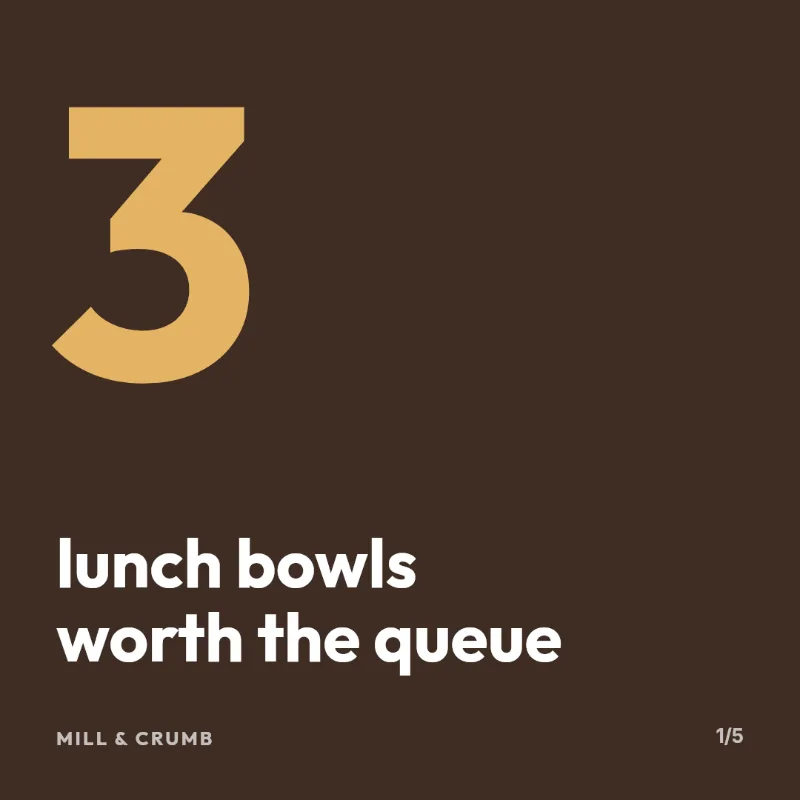

From rows to a swipe-through post
1. One row per slide
Write each slide on its own row: a cover, as many steps as the story needs, a closing card.
2. Group them
Rows sharing a value in your post column become one carousel. A group of one is just a normal post.
3. Generate in batch
Every slide renders with your brand's fonts, colors and logo, and the slide counter is filled in for you.
4. Schedule & publish
Carousels go out to Instagram, Facebook and your LinkedIn profile in the slide order your sheet had them.
Carousels are where doing it by hand hurts most
A single post is one image. A carousel is six, each on-brand, each in the right order, and then the whole thing has to be scheduled. Ten carousels a month is sixty images drawn by hand.
Write copy where copy lives
Your slides start life as sentences in a sheet, not as text boxes you nudge into place one at a time.
Consistent by construction
Every slide of every carousel comes off the same template, so slide four never quietly drifts from slide one.
Ends with published posts
The batch lands in a calendar and publishes itself, in order, to Instagram, Facebook and your LinkedIn profile.
Related
Common questions
Not covered here? Write to info@planbatch.com.
How does a spreadsheet become a carousel?
Add a column that names the post, and give every row belonging to one carousel the same value in it. Rows sharing that value become a single multi-slide post, in the order they appear in the file. A second column can name which template slide each row renders on, so a cover, three steps and a closing card all come out of the same sheet.
Can one file hold carousels and single-image posts together?
Yes. A group of one row is simply a normal single-image post, so a file can mix both without splitting it up or importing twice.
Do carousel slides count against my monthly images?
Yes, one slide is one generated image. A six-slide carousel uses six of your monthly allowance, so the free plan's 30 images is around 5 six-slide carousels, and Pro's 1000 is around 166.
How many posts can one upload contain?
The plan cap counts posts rather than rows, which matters once rows group: the free plan allows 10 posts per batch, Pro 100, and Agency and Studio 300. A file of thirty rows that makes six carousels counts as six.
Which platforms can publish a carousel?
Instagram, Facebook and your LinkedIn profile, from the same schedule. On Instagram and Facebook the slides go out as one multi-image post. On a LinkedIn profile they go out as one swipeable document by default, or as a multi-image post if you switch that account's carousel format. Either way the slides keep the order your spreadsheet had them.
What if I re-sort the spreadsheet?
Slide order follows row order within each group, so re-sorting the sheet re-orders the carousel. Sort before you import, or keep a column you can sort back by.
Can I fix one slide without re-running the batch?
Yes. Every generated slide opens in the editor, so you can change a line of copy or swap a photo on a single slide and leave the rest of the carousel alone.
A month of carousels is one spreadsheet
Write the rows, generate the slides, and let the schedule run. No credit card required.
Build your carousels free