Bulk schedule social media posts without making the images first
Every scheduler has a bulk CSV upload, and every one of them expects a column of media URLs you produced somewhere else. Here the CSV is the whole job: each row becomes a branded image, a caption, and a slot on the calendar.
How this differs from a scheduler's bulk upload
The images are made here
A bulk-upload CSV elsewhere needs finished media. Ours needs words: templates and your brand kit turn each row into the image.
Auto-spread scheduling
The batch lands on a calendar and can spread itself across the coming weeks, or you drag posts where you want them.
Every network, one pass
Each row can go out to every channel you have connected, sized per platform, published automatically at its slot.
Rows per upload: 10 on Free, 50 on Pro, 300 on Agency. A 50-row batch becomes 50 scheduled posts for every network you publish to, from one file.
Watch a CSV become the posts
Real PlanBatch templates rendering in your browser. In the app, these land on the calendar next.
image column with URLs gives each row its own photo.Rendered in your browser by the same engine as the app's template editor.
A month of posts, not a month of the same post
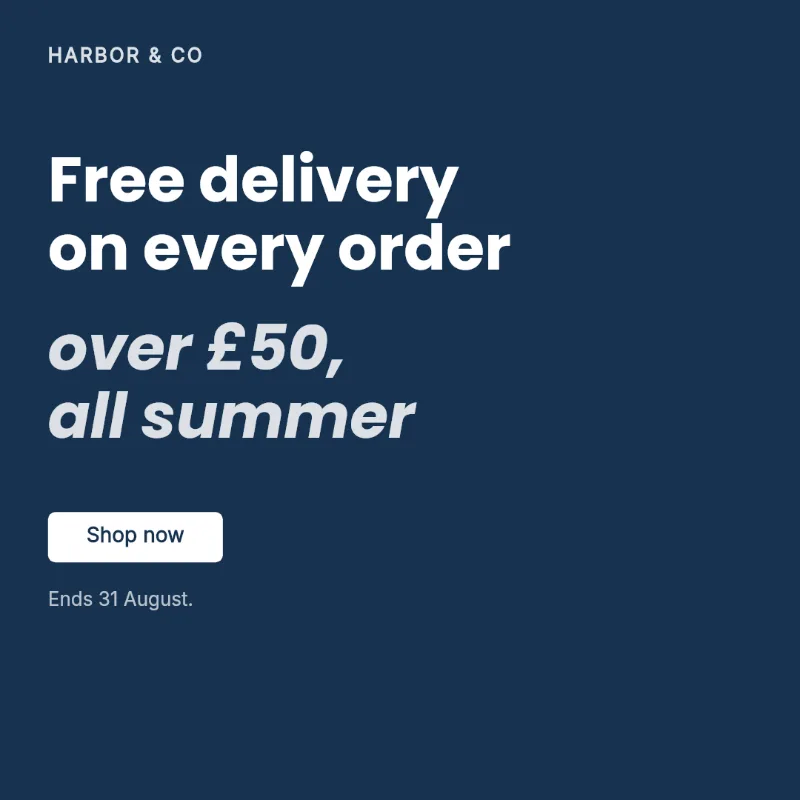
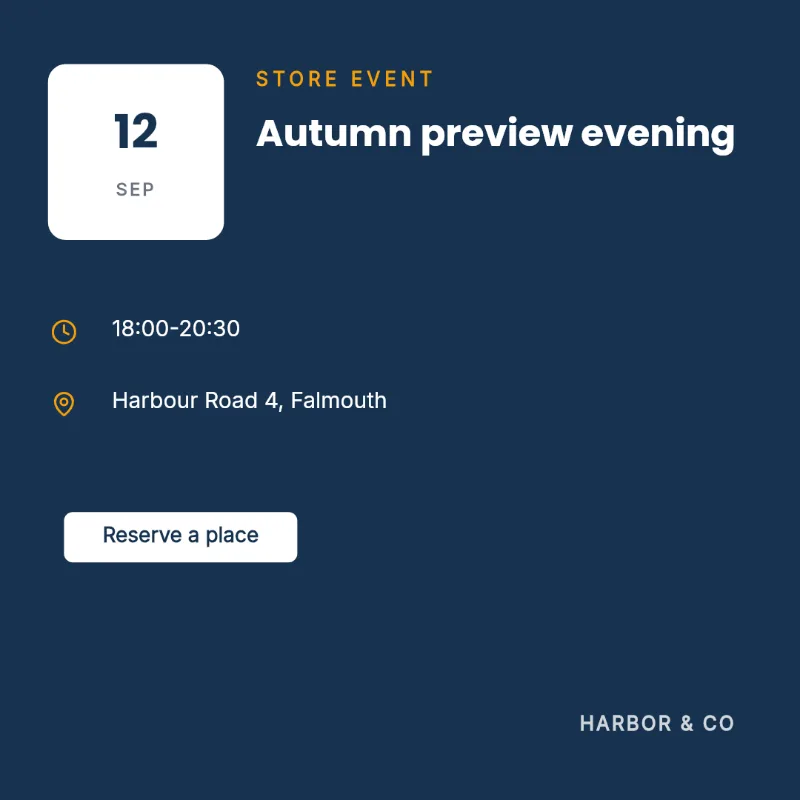
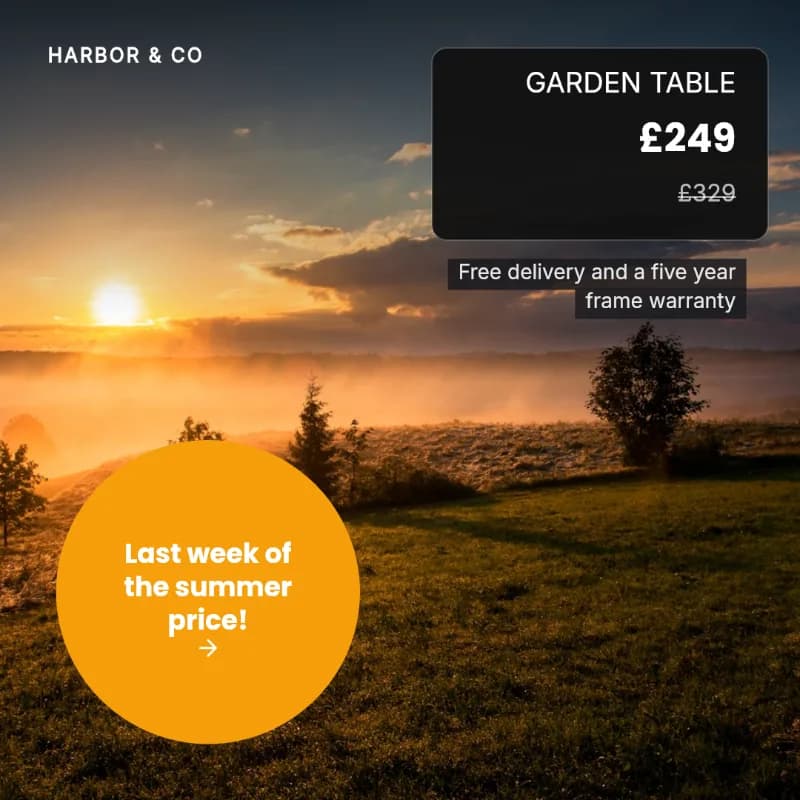
Different templates, one brand kit. Each of these was generated from a row and scheduled from the same calendar.

Bulk upload Instagram posts, specifically
Instagram is the platform people most want to batch, and the one with the most rules: images and carousels only, business accounts, ratio limits, and since January 2026 a 3:4 profile grid crop. PlanBatch publishes images and carousels to Instagram Business accounts on schedule, and our free grid crop checker shows how any post survives the grid before it goes out.
What the CSV looks like
One row per post, one column per template field, with a header row. Columns that match field names map themselves; the rest you map once per import. Rows can carry image URLs or filenames resolved against images you upload alongside the file. The full walkthrough is on the CSV to social media images page.
Common questions
Which platforms can I schedule to?
Instagram, Facebook Pages and LinkedIn. A post can go to several at once, and each platform keeps its own caption so you are not forced to write one message for all of them.
How many posts can I schedule per month?
The free plan covers 20 scheduled posts a month across 2 connected channels. Pro is 150 posts across up to 9 channels, and Agency is unlimited.
Do I need to leave the browser open for posts to publish?
No. Scheduled posts publish from our server on their own timer, so they go out whether or not you are online.
Can I spread a batch across a calendar instead of picking every time by hand?
Yes. That is the point of a batch: choose the days and times once and the whole set is laid out across them, then adjust any individual post that needs a different slot.
What happens if a post fails to publish?
It is marked failed with the reason from the platform, and it stays in the calendar rather than disappearing quietly, so you can fix the cause and re-slot it.
A month of posts from one file
Import, generate, auto-spread, and let it publish. No credit card required.
Get Started Free