A social media scheduler that does not write your posts
You write the words, your templates set the design. Nothing is invented, and the same row makes the same image every time.
| # | name | price | old_price |
|---|---|---|---|
| 1 | Over-ear studio headphones, folding | $89 | $119 |
| 2 | Stoneware mug | $12 | |
| 3 | Garden bistro set | $149 | |
| 4 | Mechanical keyboard, 75% layout | $119 | $139 |
 1
1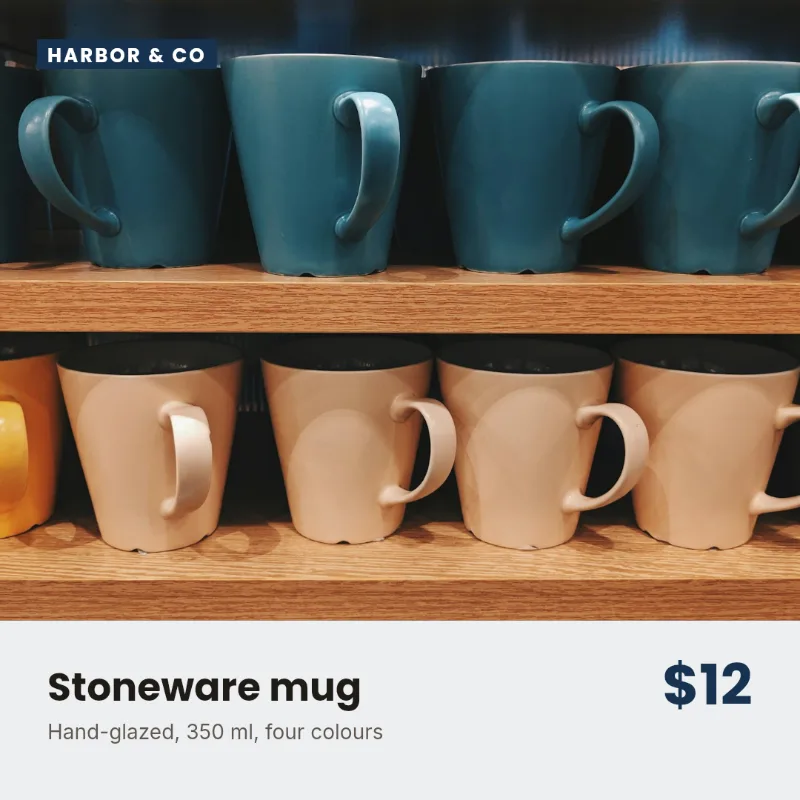 2
2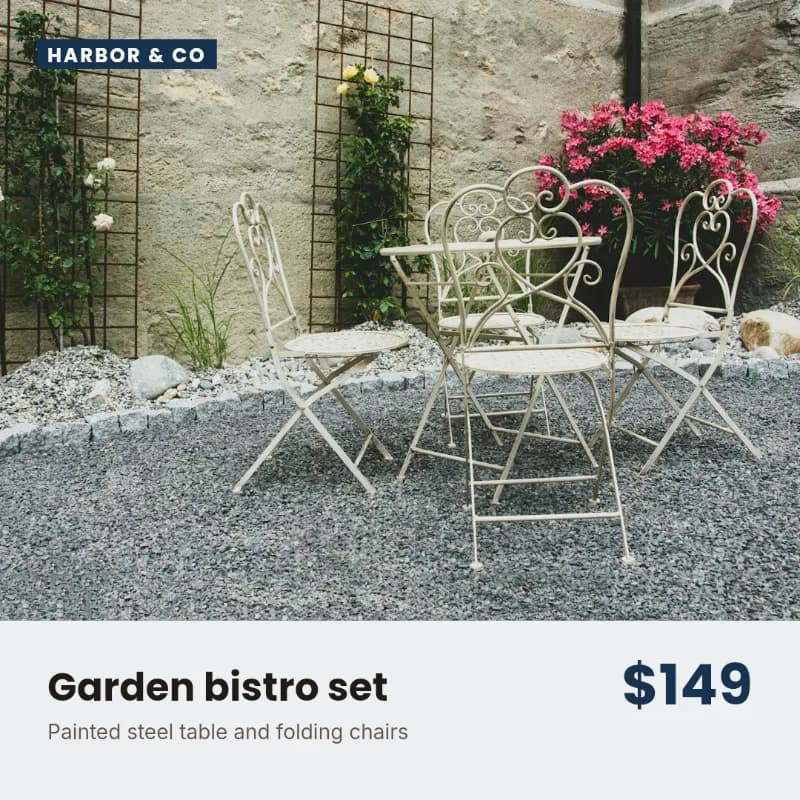 3
3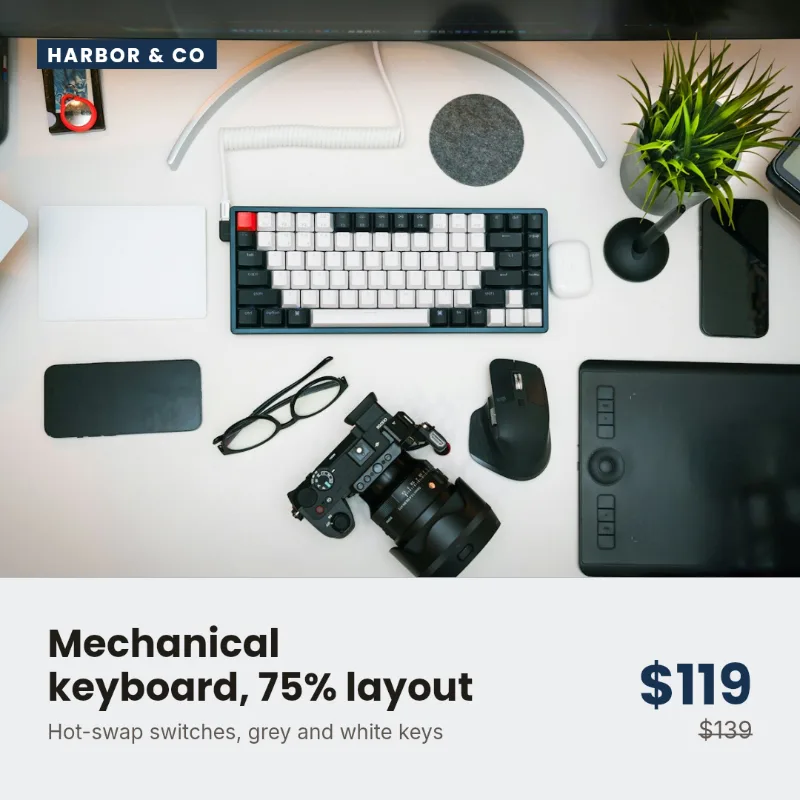 4
4
What that means in practice
The same input, the same output
Run the batch twice and you get the same thirty images. Nothing drifts between runs, so a template you approved last month still behaves this month.
Nothing to proofread
The words on the image are the words you typed. There is no generated sentence to check, and no invented logo, hand or product name to spot.
It still does the boring part
Thirty branded images from thirty rows, then scheduled and published to Instagram, Facebook, LinkedIn profile, Pinterest and Bluesky. The automation is in the repetition, not the writing.
The one place the letters AI appear
There is a button in the app called Copy AI prompt. It exists because some people would rather build their upload file with an outside tool than type it, and if they are going to do that anyway, the app may as well hand them a prompt that describes the format their own templates expect.
It copies text to your clipboard. That is the whole feature. Nothing in the product calls a language model, nothing you write is sent to one, and you can use PlanBatch for years without pressing it.
We mention it here because you will find it eventually, and finding it unannounced on a page that promised no AI would be worse than reading about it now.
Type a row, get exactly that row
Real templates, rendering in your browser. Change a word and only that word changes.
image column with URLs gives each row its own photo.Then, in PlanBatch, the same rows go on the calendar and publish at their slot.
- Mon09:00Over-ear studio headphones, folding
- Tue09:00Mechanical keyboard, 75% layout
- Wed09:00Stoneware mug
- Thu
- Fri09:00Garden bistro set
- Sat
- Sun
To Instagram, Facebook, LinkedIn profile, Pinterest and Bluesky, from one calendar.
Rendered in your browser by the same engine as the app's template editor.
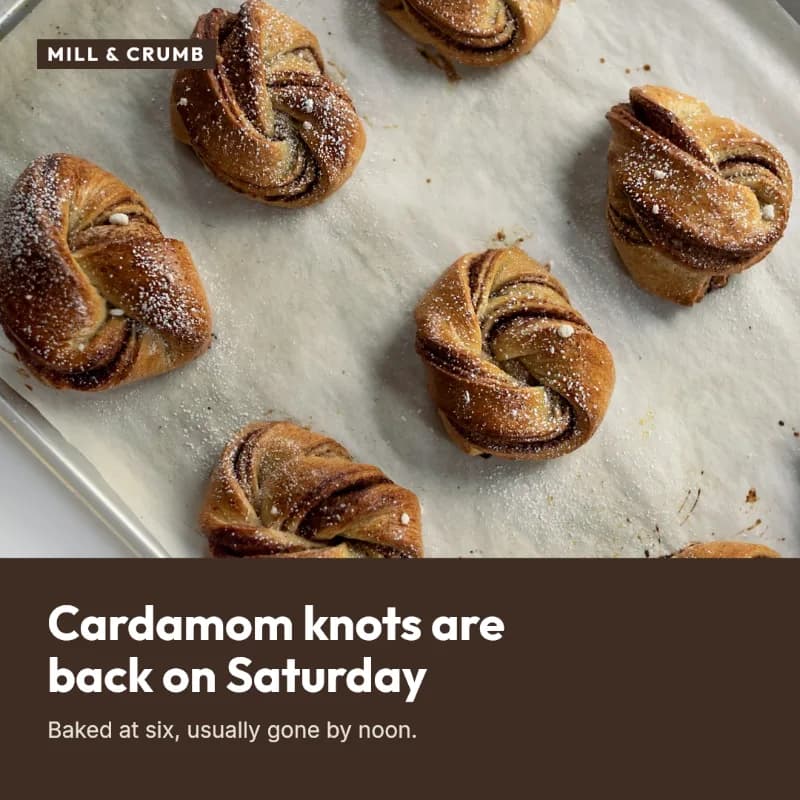
Same rules, three brands, nothing invented
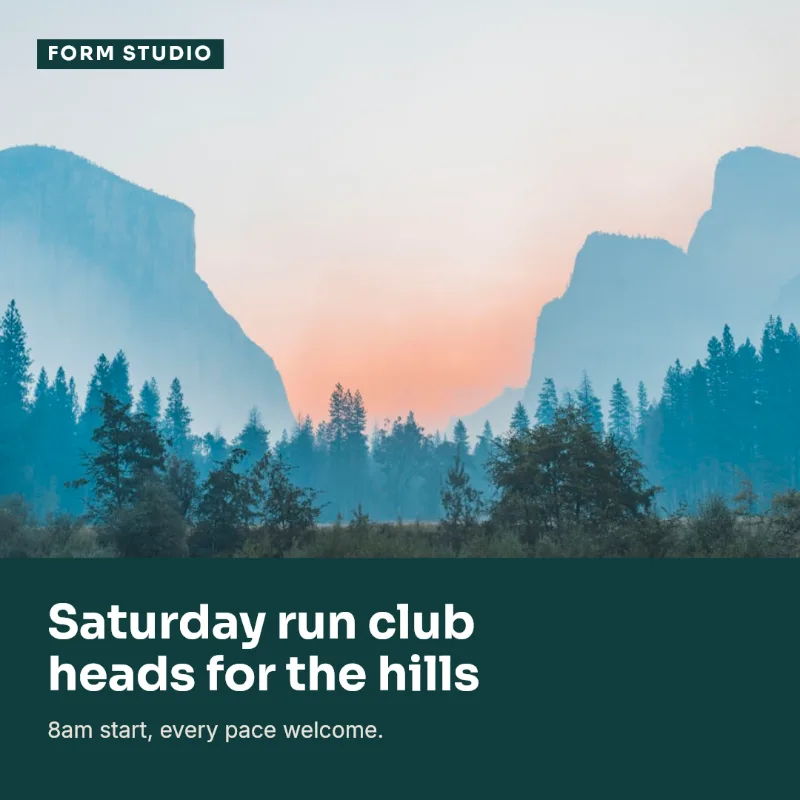
One layout for three clients. Each post holds exactly the words in its row, set in that client's brand kit, and comes out the same every time it is run.

When this is the wrong tool
If what you want is something to write the captions, come up with the ideas, or turn a prompt into a picture, PlanBatch will disappoint you and there are plenty of tools that do it well. This one starts after those decisions are made.
It also publishes to a short list of networks: Instagram, Facebook, LinkedIn profile, Pinterest and Bluesky. If the one you need is not among them, a broader scheduler is the right tool.
Common questions
Not covered here? Write to info@planbatch.com.
Does PlanBatch use AI to write my posts?
No. Nothing here writes your words or invents your pictures. You supply the text, in a form or a spreadsheet, and the renderer draws it onto a template you chose. The same row always produces the same image.
So what is the “Copy AI prompt” button in the app?
An optional convenience, and the one place the letters AI appear in the product. If you want to build an upload file with an outside tool like ChatGPT, that button copies a prompt describing the file format your templates expect, and telling the assistant to write only from the text you give it and to quote the sentence each slide is based on, so every line can be checked against your source. You can ignore it entirely and type the rows yourself; nothing in the product calls a language model, and no text you write is sent to one.
Why does this matter?
Because generated copy has to be checked, and checking thirty captions costs more than writing them. Deterministic output can be approved once at the template level and trusted for every row after that, which is what makes a batch of thirty posts a five-minute job instead of a proofreading session.
Is the image generation AI?
No. The images are rendered, not generated: your template's layout, your brand's fonts and colours, and your row's values, drawn deterministically. There is no model involved and no chance of a stray extra finger or an invented logo.
Will you add it later?
There is no plan to. If it is ever added it would be optional and clearly marked, because the reason people choose this product is that the output is predictable.
What do I actually get, then?
Templates you control, a spreadsheet or a form as the input, and scheduling to Instagram, Facebook, LinkedIn profile, Pinterest and Bluesky. The free plan covers 30 images and 10 rows per upload on 2 channels; Pro is 1000 images and 100 rows across 9 channels.
Your words, your templates, on a schedule
10 rows and 30 images a month on the free plan. No credit card required.
Start free