Create social media images from a spreadsheet
One CSV row becomes one branded image. Import your products, offers or events, pick a template, and generate the whole batch. Then schedule it: every image publishes to Instagram, Facebook and LinkedIn from the same calendar.
Try it: CSV in, images out
These are real PlanBatch templates. Edit the CSV and watch the images follow.
image column with URLs gives each row its own photo.Rendered in your browser by the same engine as the app's template editor.
Four rows of a spreadsheet, four finished posts
One template, four rows, nothing redrawn by hand. Every image below came out of the renderer with the same layout and different values, which is what a batch actually looks like.
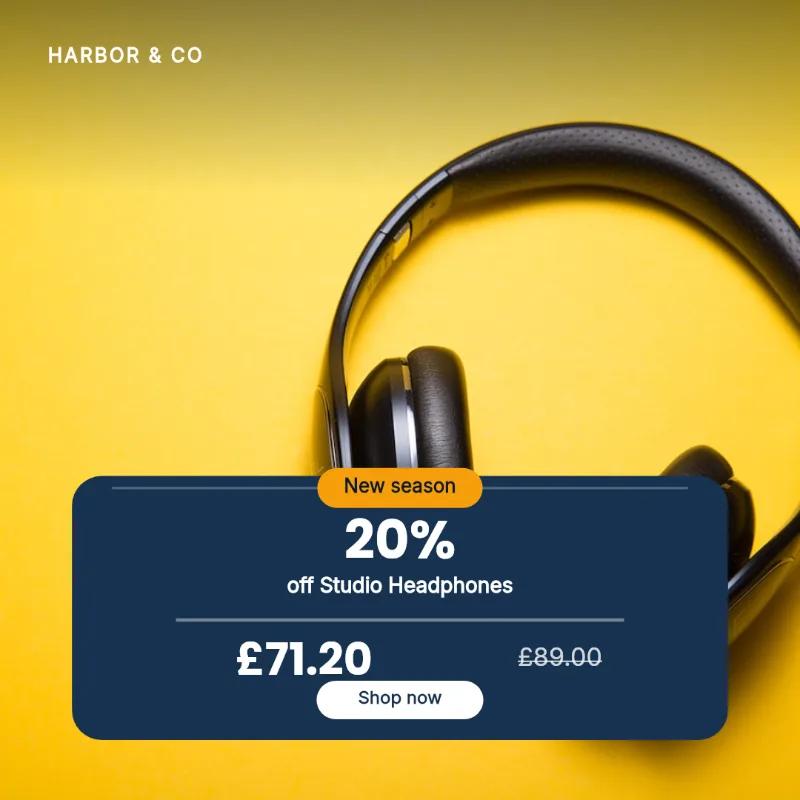
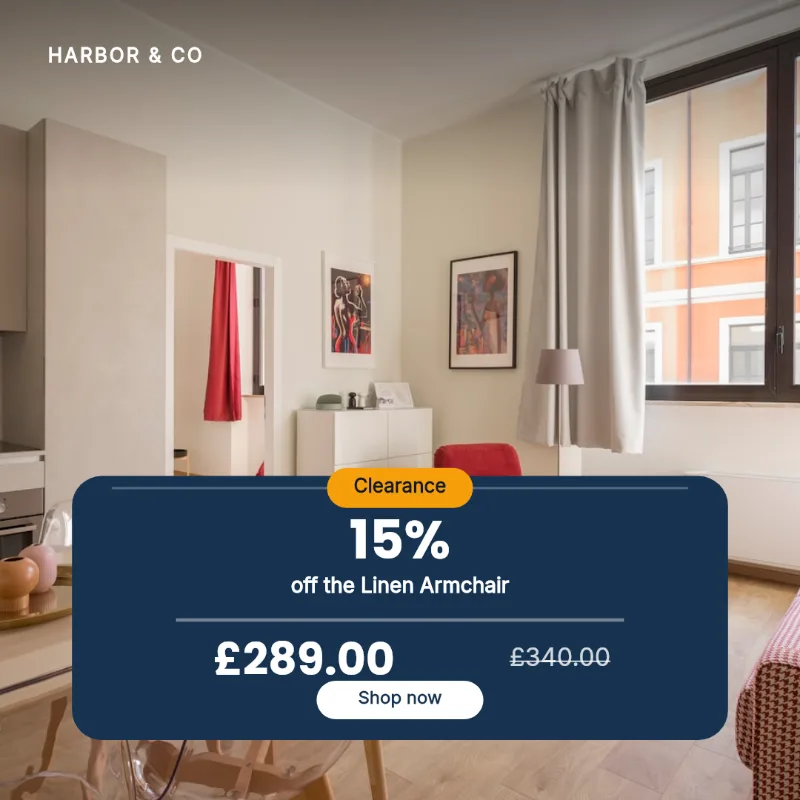
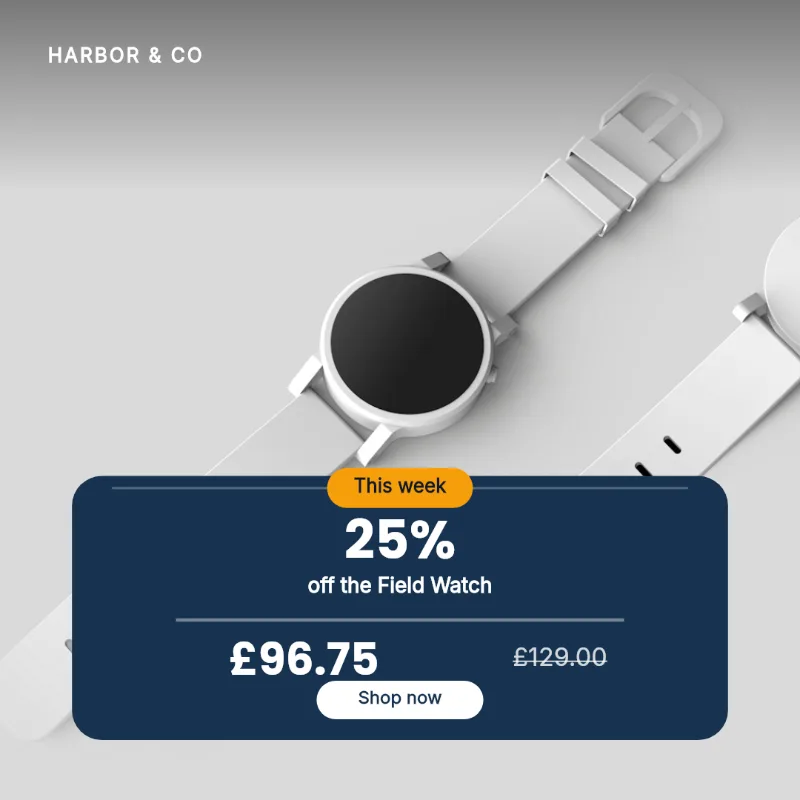
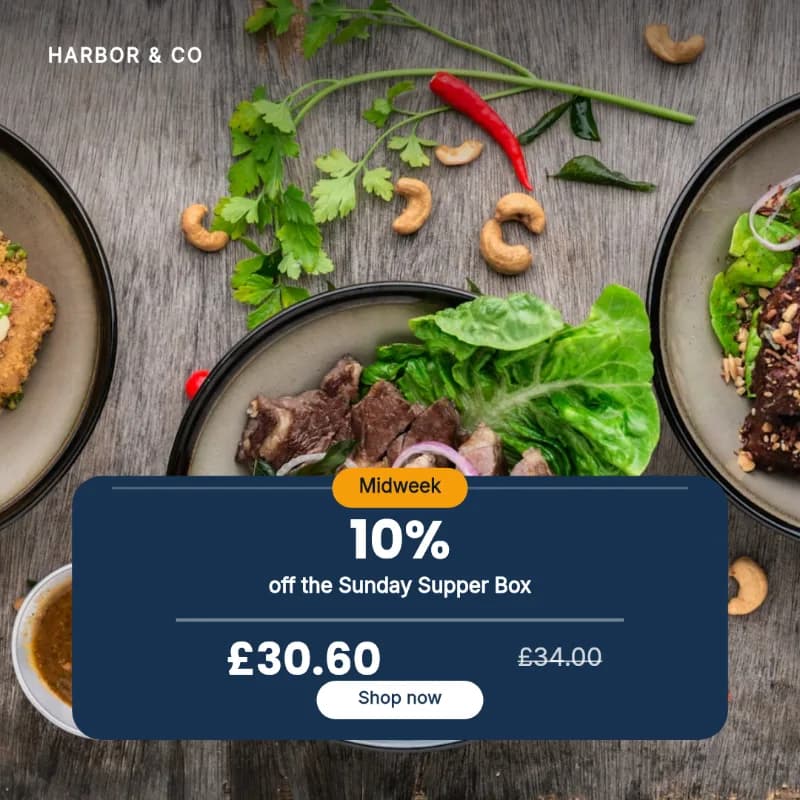
From spreadsheet to published posts
1. Export a CSV
One row per post: products from your shop system, offers, events, tips. Any spreadsheet exports it.
2. Map columns
Pick a template and match each column to a field. Columns with matching names map themselves.
3. Generate in batch
Every row renders as a finished image with your brand's fonts, colors and logo.
4. Schedule & publish
Auto-spread the batch across the calendar. Posts go out to every connected channel automatically.
One tool, not a pipeline of three
Image-generation APIs stop at the image file. Schedulers start at the upload. PlanBatch renders the images from your CSV and puts them on the calendar in the same flow.
No API, no code
Batch image tools expect you to wire an API. Here the CSV import is a form: upload, map, generate.
Branded, not generic
Templates carry your fonts, colors and logo. Rows only supply the words and the photos.
Ends with published posts
The batch lands in a calendar and publishes itself to Instagram, Facebook and LinkedIn on schedule.
More free tools
All free, all no signup, all running in your browser.
Grid crop checker
See exactly what the profile grid keeps of your post since the January 2026 change, and what gets cropped away.
OpenCarousel splitter
Split one wide image into seamless 1:1 or 4:5 carousel slides, entirely in your browser.
OpenCaption length checker
One caption against every network at once, with the exact number of characters to cut.
OpenImage size checker
See which post formats your image already fits, and what square, portrait, story and pin each crop away.
OpenLinkedIn carousel PDF
Turn slide images into the PDF LinkedIn needs for a swipeable carousel, every page the same size.
OpenCSV checker
Check a bulk-upload CSV against your scheduler's own rules, row by row, before it rejects or skips anything.
OpenCommon questions
What does the CSV need to look like?
One row per post, one column per template field, with a header row. Column names that match field names (like headline or price) are mapped automatically; anything else you map by hand once per import.
Can rows include images?
Yes. A column can hold an image URL or a filename, and filenames can be resolved against images you upload alongside the CSV.
How many images can I generate?
The free plan includes 30 generated images per month with up to 10 rows per upload. Pro raises that to 500 images and 50 rows, and Agency is unlimited images with up to 300 rows in a single upload.
Does scheduling cost extra?
No. Rendering and scheduling are the same product: every generated image can be captioned, scheduled and published without leaving PlanBatch.
Can I edit an image after it is generated?
Yes. Every generated image opens in the editor, where you can change the text, swap the photo and adjust the layout before it goes out. Editing one image does not re-run the batch.
What happens if my text is too long for the template?
The renderer shrinks and re-wraps text to fit the space it was given, and warns you before you generate when a value is long enough to be a problem. You see the warning while you can still fix the spreadsheet, rather than discovering it in a finished image.
Your spreadsheet is already a content calendar
Import it, generate the images, and let the schedule run. No credit card required.
Get Started Free